> For the complete documentation index, see [llms.txt](https://nexas-ridewiz.gitbook.io/lisaiceland/llms.txt). Markdown versions of documentation pages are available by appending `.md` to page URLs; this page is available as [Markdown](https://nexas-ridewiz.gitbook.io/lisaiceland/affiliates+-earn-40.md).
# 💲 Affiliates+ = Earn 40%💲
🟢 Smarter AI 🟢
### 🚀 Getting Started
* After registering, your account needs to be manually-**approved** by an admin before you can start earning. No worries, it's fast and painless without a complicated flow.
* Once approved, **your referral link becomes active** and you can share it anywhere.
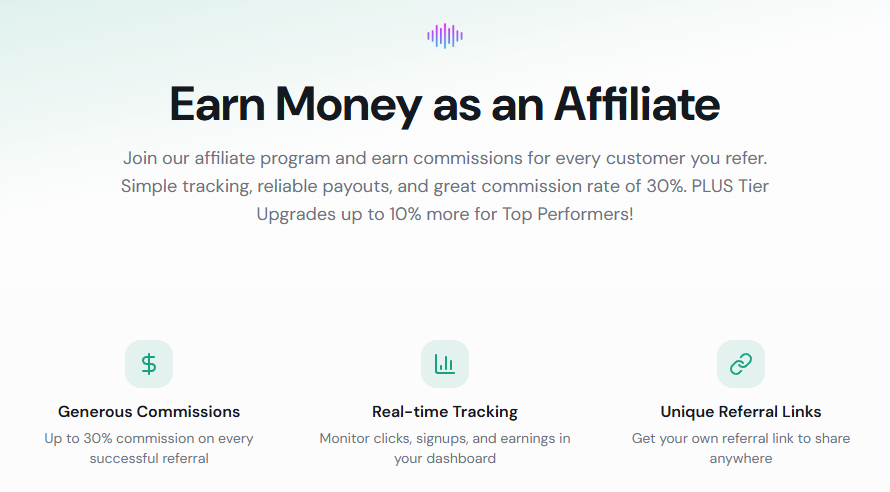
* You earn a **30% commission** on gross for every successful referral.
* **Top Performers**: *Tier Upgrades* i.e. receive from 5-*10% more on top of 30% base* for!
### 🔗 Sharing Your Link
* Click **Copy Link** at the top to copy your unique referral URL.
* Share it on social media, your website, blog posts, or directly with potential customers.
* When someone clicks your link and signs up, you get credit for the referral.
* The referral cookie lasts for 30 days, so they don't need to sign up immediately.
### 📊 Tracking Performance
* **Clicks** — How many people clicked your referral link.
* **Signups** — How many actually created an account.
* **Earnings** — Total commissions earned from successful referrals.
* Check the **Recent Referrals** table for detailed activity.
### 💰 Getting Paid
* Payouts approvals are processed manually by the admin team as a HITL looping.
* Ensure your **PayPal email** is correct in your profile settings.
* Minimum payout threshold is **$150** — you must accumulate at least this amount before requesting a payout.
* Payouts under $150 will not be processed.
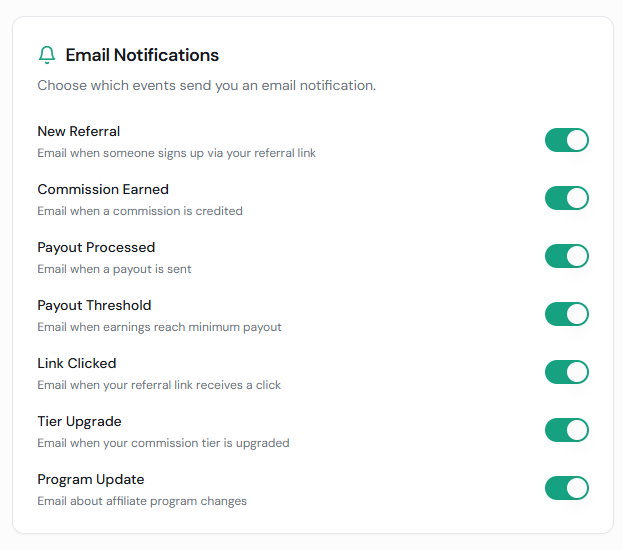
* You'll receive a confirmation email when each payout is processed.
* View your payout history in the **Payout History** section.
### ➕ **Tier Upgrades**
* Receive from **5-*****10% more** on top of 30% base* for!
* For **Top Performers**
* Must achieve: 50+ sales per month for 3 consecutive months.
### 🔒 Account Security
* Enable **Two-Factor Authentication (2FA)** from your profile dropdown for extra security.
* Keep your access token private — anyone with it can access your dashboard.
* Update your profile information anytime from the profile dropdown menu.
### 💡 Pro Tips For Affiliates
* Write a genuine review or tutorial about the product for better conversion rates.
* Target audiences who would genuinely benefit from AI Voice Agents technology.
* Use multiple channels — social media, email newsletters, blog posts.
* Track which channels perform best and double down on them.
* [CLICK](https://aivoice.myagents.plus/affiliates) to start let's do this...
{% embed url="" %}